How to Manually Update a Plugin
To update an AppPresser extension manually on your WordPress website:
1. Login to your AppPresser account page (use the forgot password link if you can't login)
2. Scroll down and click on the "Download your products here" button.

3. Click on the item you'd like to download, you will receive a .zip file on your computer.
4. Go to your WordPress website admin, visit Plugins. Delete the old version of the plugin (if necessary.)

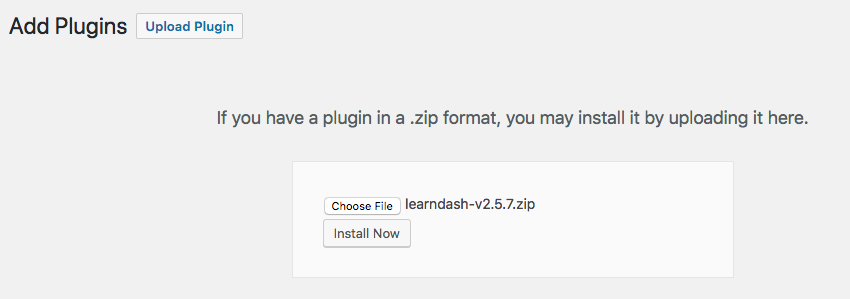
5. Go to Plugins => Add New, and click "Upload". Upload and activate the new plugin.